Claude subscriptions
Pro · Max 5× / 20×Claude Code
Account access & terms ↗
Explore Wrkr
Authored, interactive examples. Try AI choice, separate workspaces, saved files, browser control and a small app. No live AI runs here.
Put your subscription to work
Use your plan’s available models for research, reports and regular jobs. Your subscription powers the thinking. Wrkr supplies the cloud computer.

Connect a supported provider and use its available models. Your provider bills that usage separately.
No matching models. Try another name.
Codex · GPT-6 Astra is selected in the app example.
See your selection in the example ↑Claude Code and Codex examples updated 18 September 2026. Your connected tool supplies the actual choices for your account. Claude models ↗ · Codex models ↗
Separate spaces
Your client’s documents and your family’s plans deserve their own space. Each worker has its own files, browser sessions, website sign-ins and receiving email address.
The right files. The right account. Every time you switch workers.
Create workers as you need them. They share your account’s computer capacity and AI allowances.
Try a worker
Compare suppliers. Download the shortlist. Explore charts, documents, video and a 3D preview inside the worker below.
When a long chat gets confusing, start a fresh thread in the same project. Your saved files and notes are there for the new conversation to read.
Automatic backups keep recent versions of your saved work. Ask your worker to recover a lost file or bring back an earlier edit.
Work while you’re away
Your chosen AI has a computer that stays on. Ask for a weekly report, keep a small app running, and get on with your day.
Would you like a quieter hotel or one close to the station?
Interactive example · Answer in your desktop browser.
Find waiting conversations in Needs you and answer in your desktop browser. Complete a browser sign-in, then hand control back.
Connections and tools
Give your worker the context in your apps. Plugins add tools; skills give it a reusable method. Custom connections can extend what it can do.
“Get me ready for tomorrow’s client meeting.”
One possible AI approach. No accounts connected or messages sent.A client reply, ready for your review. A clear plan saved beside it.
Connect through your AI tool, a compatible Model Context Protocol (MCP) server or a command-line tool.
Examples from the AI tool’s ecosystem. Connections depend on your AI tool and accounts. Some require a separate sign-in, service plan or compatible MCP server.
Add a supported plugin to your chosen AI tool. A bundle can bring connections, tools and instructions together for tasks such as research, spreadsheets or media.
Ask your worker to install compatible software, use the terminal and save reusable scripts. You can inspect and change the setup too. Installing a tool does not include a paid license or API allowance.
 Your Wrkr computerInstall the software your job needs.
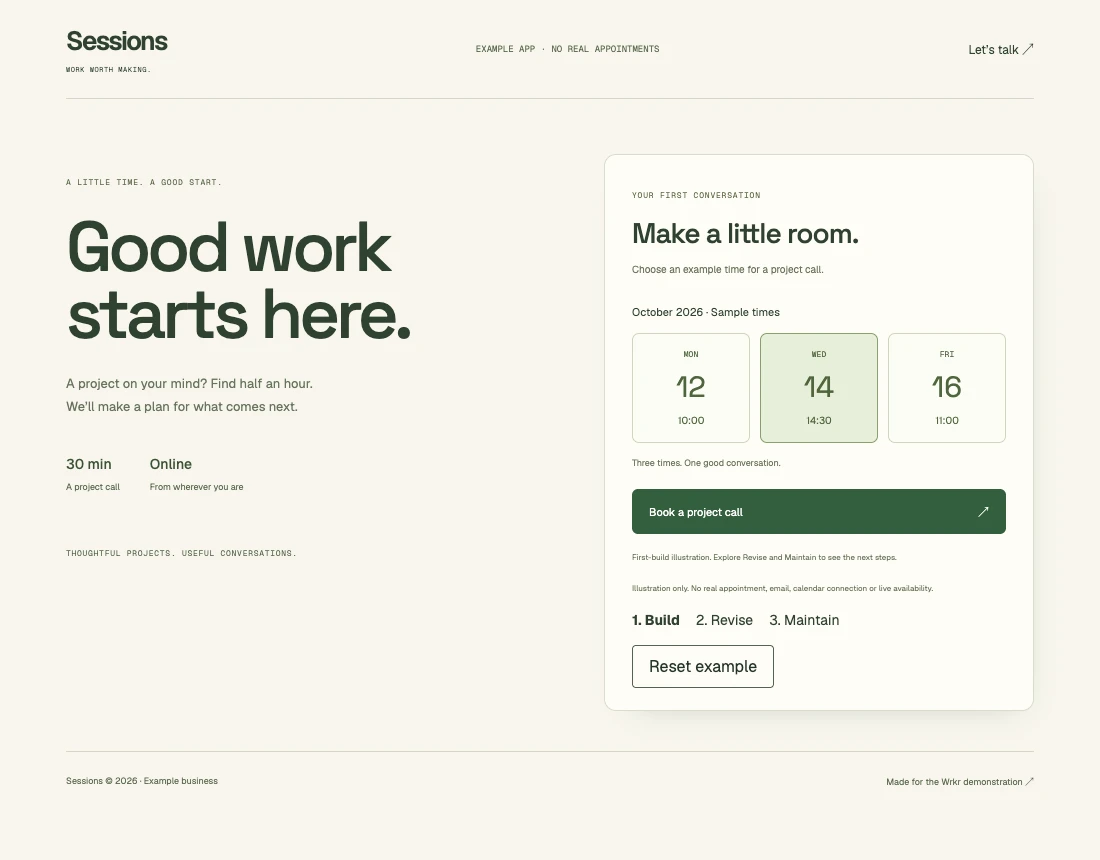
“Build a booking app for my business.”
Your worker can install packages, edit the project, use the terminal and run the app on your computer.
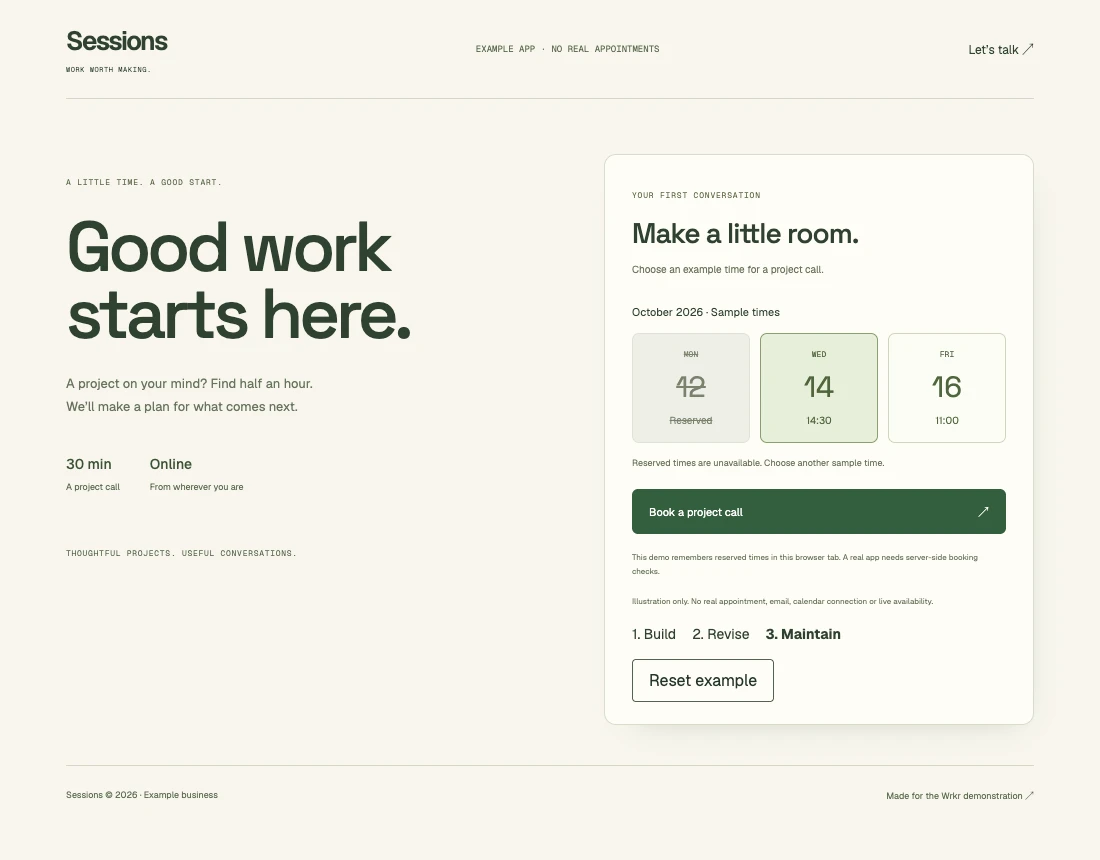
Use the browser, inspect the files or open a terminal. Your worker has a whole computer to work with.
Sample output. Software setup depends on your AI tool and computer capacity.Build and run apps
Build a small app or demo and share it with a friend or client. Your worker runs it on your computer and gives it an HTTPS link. Your AI builds and maintains it using the tools below.
YOUR REQUEST
From the first prompt to a working app with a public address.
The first versionPublish the booking page, save appointments and add customer sign-in. Hosting at your Wrkr app address and the local capabilities below are included within your computer’s disk, memory and shared capacity.
App email, AI used by your app’s customers and payment processing are not included. Connect your own providers and pay their subscription, usage or transaction charges.
One HTTPS link per project, under wrkrbots.com, is included in your plan. Your app is reachable while it and the computer are running. This is a Wrkr address; custom domains and domain registration are not included.
Try sample orders, an owner dashboard and confirmations ↗
Your AI sets up and maintains the app, including its access controls. Wrkr’s sign-in protects your workspace; your app needs its own customer sign-in. For a larger audience, choose outside hosting with suitable capacity and operating features. See outside costs.